Connect your training
Link Intervals.icu (with Garmin, Wahoo, COROS, etc.) and Strava, or use Apple Health / Health Connect.
You pick a style once. ActivArt builds the perfect prompt from your activity, your photos, and your real stats. One tap and it's done.
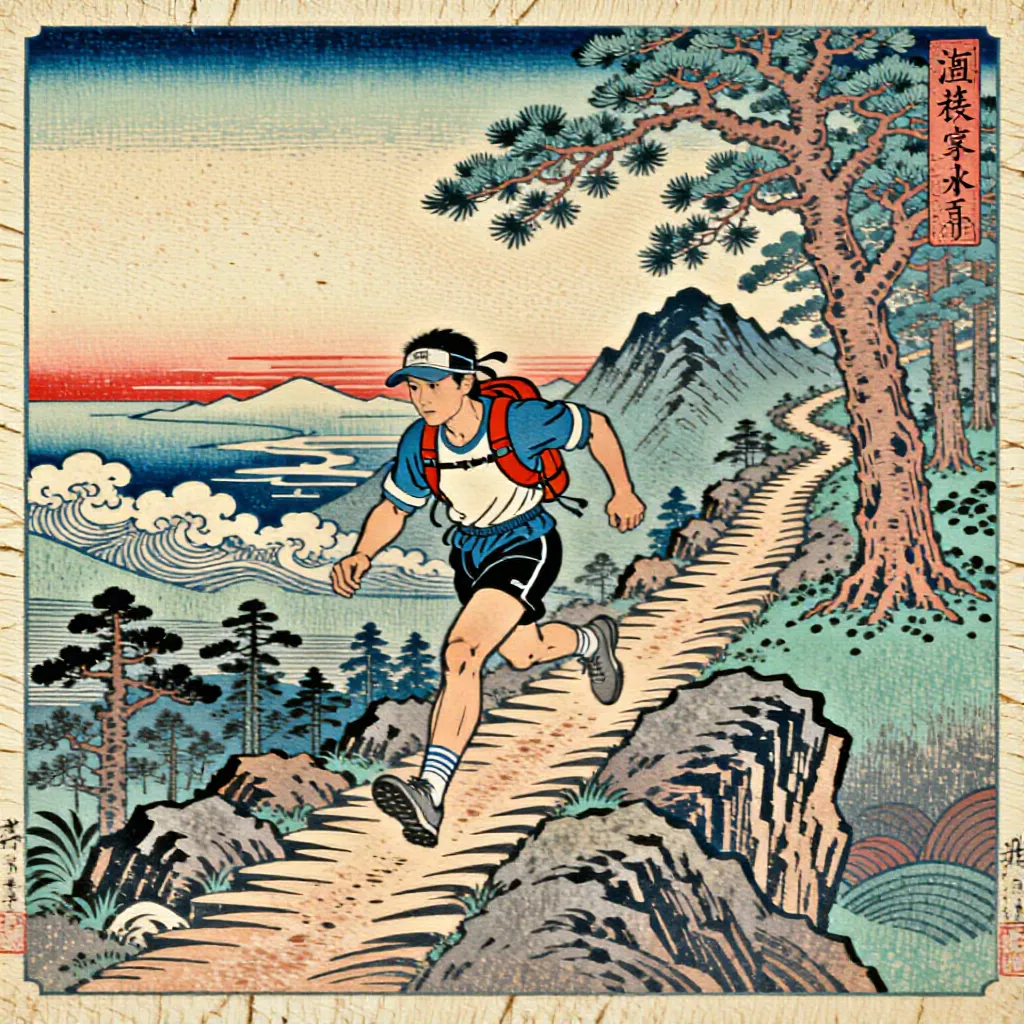
Works with Strava, Apple Health, Health Connect, and Intervals.icu (Garmin, Wahoo, COROS, Polar, Suunto, Zwift, and more).
ActivArt automatically finds photos taken during your workouts and transforms them into stunning creations, your stats baked right in.


Link Intervals.icu (with Garmin, Wahoo, COROS, etc.) and Strava, or use Apple Health / Health Connect.
ActivArt scans your gallery and matches every photo taken during your workout, automatically.
No prompt to write. Your art is ready in seconds, stats baked in, and shared to Strava or Instagram in one more tap.
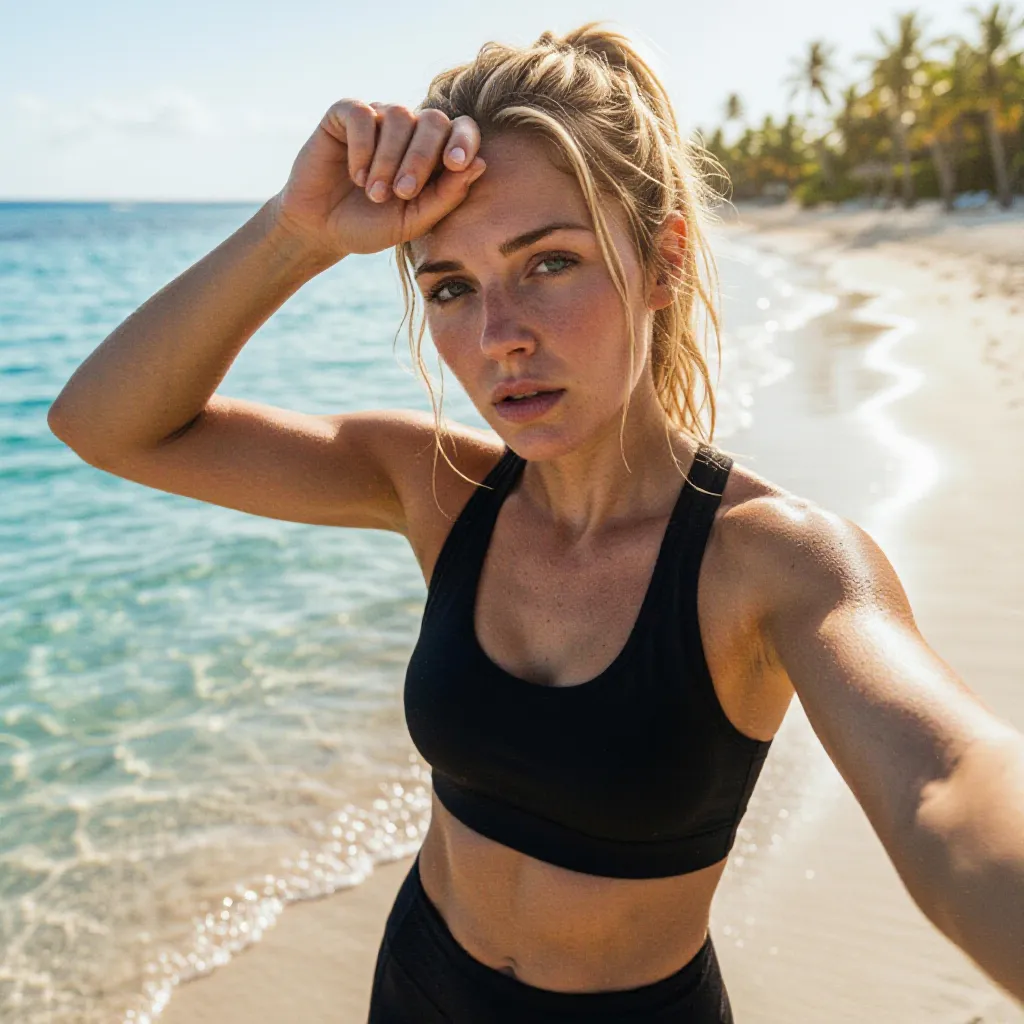
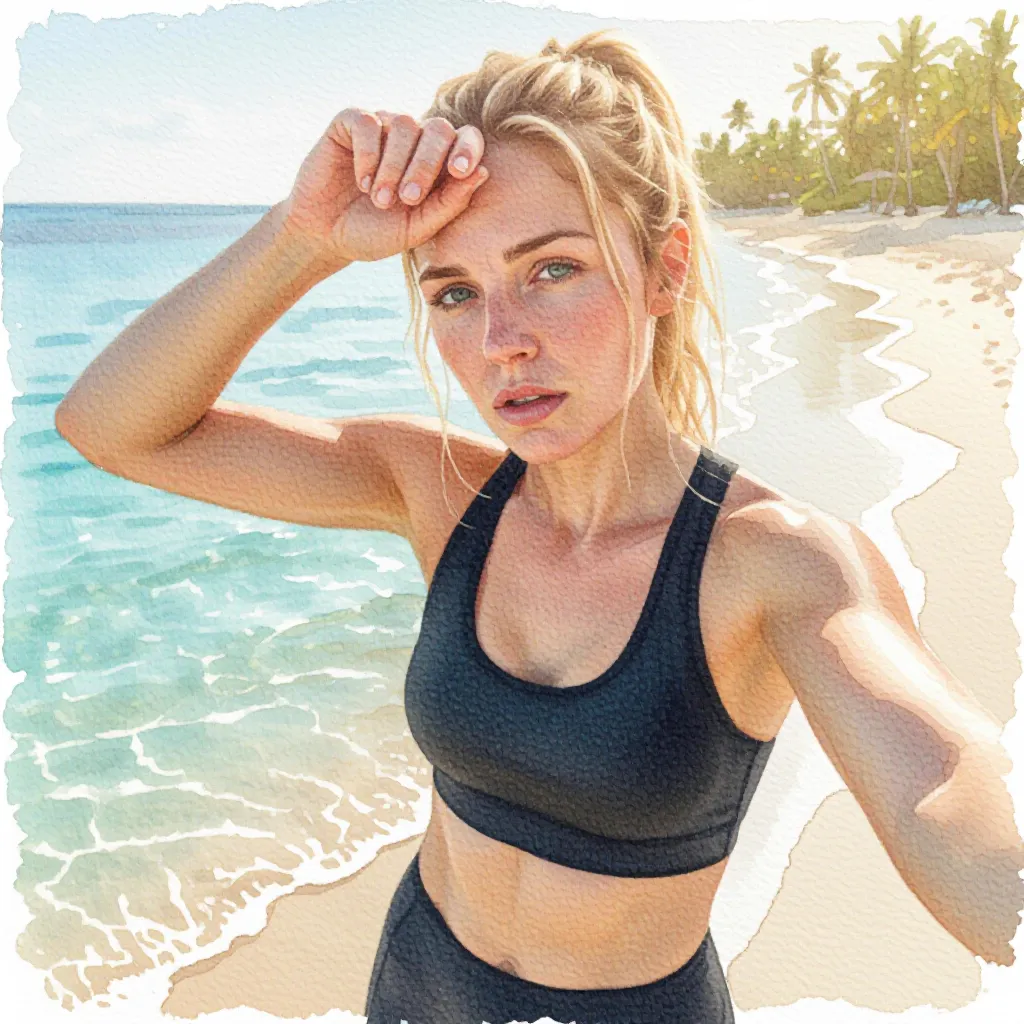
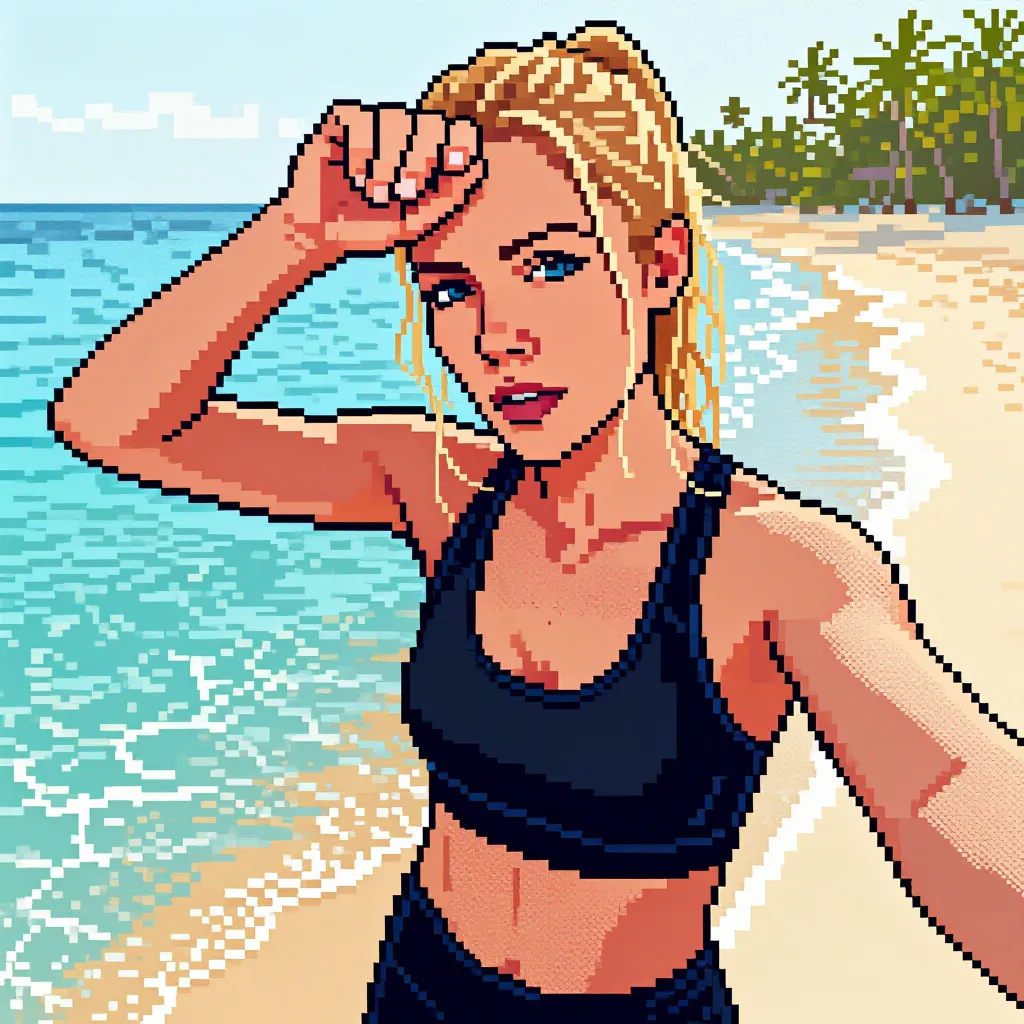
Set your look once during setup (visual style, camera angle, lighting mood, environment). Every future creation is one tap, no prompt writing ever.
Embed your real distance, pace, elevation, and time into the image. Choose where they appear: on a billboard, a wall mural, the road, a scoreboard, or your jersey.
Skipped the camera? Generate a stunning sport scene from scratch in seconds, tailored to your activity type and real stats.
Every generated image carries machine-readable generated-or-modified provenance, and published website examples are visibly labelled. See how it works.
Set your creativity in motion with videos made for sharing.
Choose Create from a blank canvas for a portrait clip using your saved visual choices, or Animate photo to use one original or generated photo as a visual reference while applying your style, effects, activity controls, and stats directly to the video. Photo-based video keeps the source orientation without forcing the upload to appear as the first frame. See both video options.
Watch your route animate live across the map, with your activity photos placed at the exact moment they were taken. Cinematic and shareable.
See every climb and descent build frame by frame. The perfect way to brag about that brutal hill.
Make every creation unmistakably yours.
Sponsor logos, club crests, or your own mark. Position them in any corner, and they're applied automatically to every creation. Share a logo with teammates in one tap, and they add it to their own overlays instantly.
Connect Strava as your activity source and browse straight from the clubs you've joined. One tap to add your team identity to every shot. On Intervals.icu, your group logos work the same way.
Premium members can hide the ActivArt brand watermark. Machine-readable provenance metadata remains and is not drawn visibly into the image.
ActivArt works with every training app you already love.
The recommended setup. Intervals.icu pulls activities from Garmin, Wahoo, COROS, Polar, Suunto, Amazfit, and Huawei Health watches, bike computers like Hammerhead, indoor platforms like Zwift, ROUVY, MyWhoosh, and Biketerra, and even Concept2 rowers, and syncs them on to Strava so you get the richest stats plus a one-tap jump back to your Strava activity.
Already tracking your workouts with iPhone or Android? ActivArt picks them up automatically. No extra accounts needed.
Bring in an exported activity file to recover its GPS route, elevation profile, and supported workout stats. Create a new activity, or review exactly which values may replace data in an existing one before anything changes.
Your photos are only sent for processing while creating an image, used solely for that generation, and never stored. Generating from scratch sends no photo data at all.
No connected activity source is required. Import photos into an activity, create one from a workout image, or bring in a FIT file with its route, elevation, and supported stats.
Connect your training device to Intervals.icu, then link Intervals.icu to Strava. You get rich activity stats, perfect photo matching, and a one-tap jump from your finished photo to the activity on Strava. Prefer your Strava club crests as logo overlays? Connect Strava directly instead.
Free to start, unlock Premium for more creations, more living videos, unlimited on-device videos, and more, or redeem a code.
Yes. The free plan includes an allowance of images, animated videos and on-device route videos, and that allowance refills on its own. Free creations carry the ActivArt mark. Premium adds larger allowances, unlimited on-device route and elevation videos, custom logos and optional removal of the mark.
No. The free plan never asks for a card or any other payment details. Payment details are only involved if you choose to buy Premium or the Custom Logos unlock, and those are handled by the App Store or Google Play, not by us.
Yes, a free sign-in with Google or Apple before your first creation. It is one tap with no form and no payment details, and it is what ties your free allowance and your saved style to you rather than to one device. You can browse the app before that.
Free creations carry the ActivArt mark, and the share sheet arrives with a caption already filled in. Premium can turn both off. Everything else about the image or video is the same.
Available now on iOS and Android. Free to start, no credit card, just a Google or Apple sign-in before your first creation.