See ordinary workout photos transformed into art, photo-free scenes built from saved visual choices, and an original photo used as a visual reference for video. No prompts to write.
AI Modified and AI Generated identify every generated or modified image on this page.
Free to start, unlock Premium for more creations, videos, and more.
Watch an image-to-video result
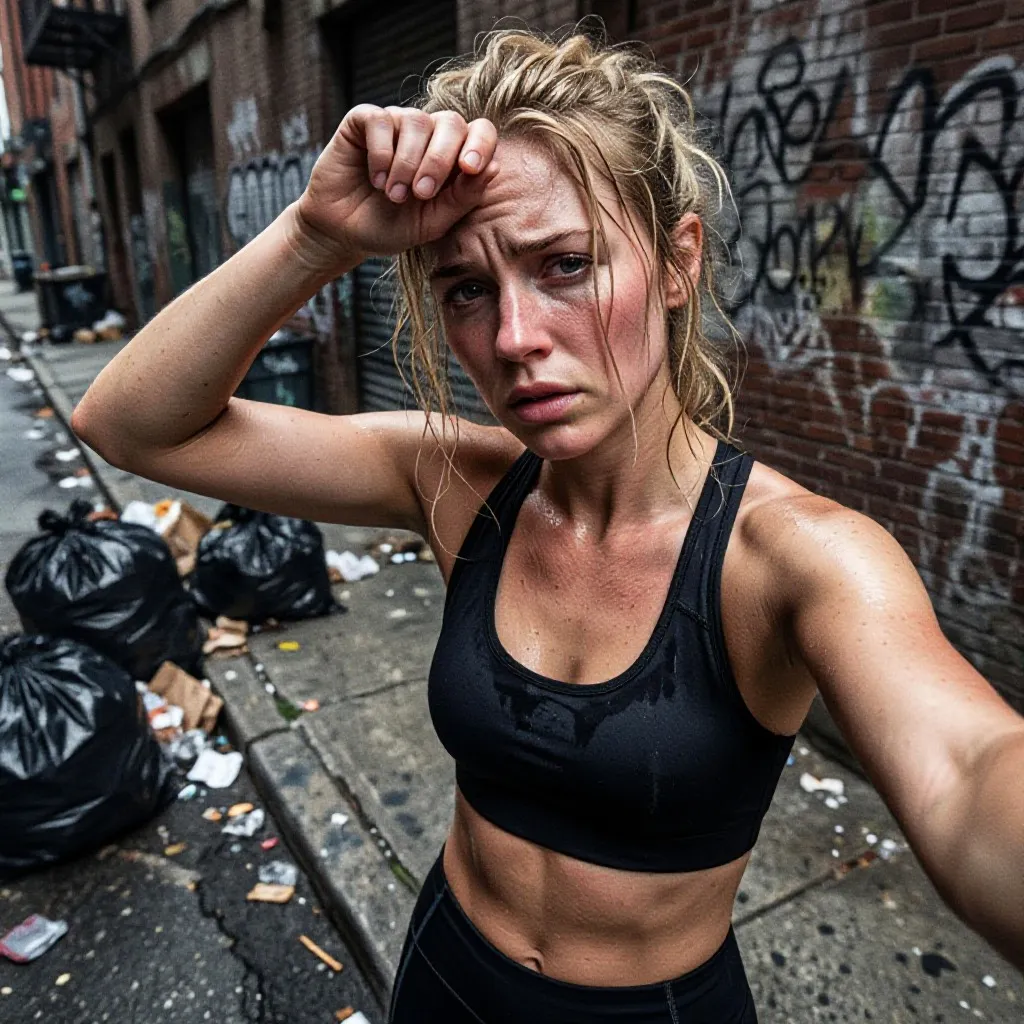
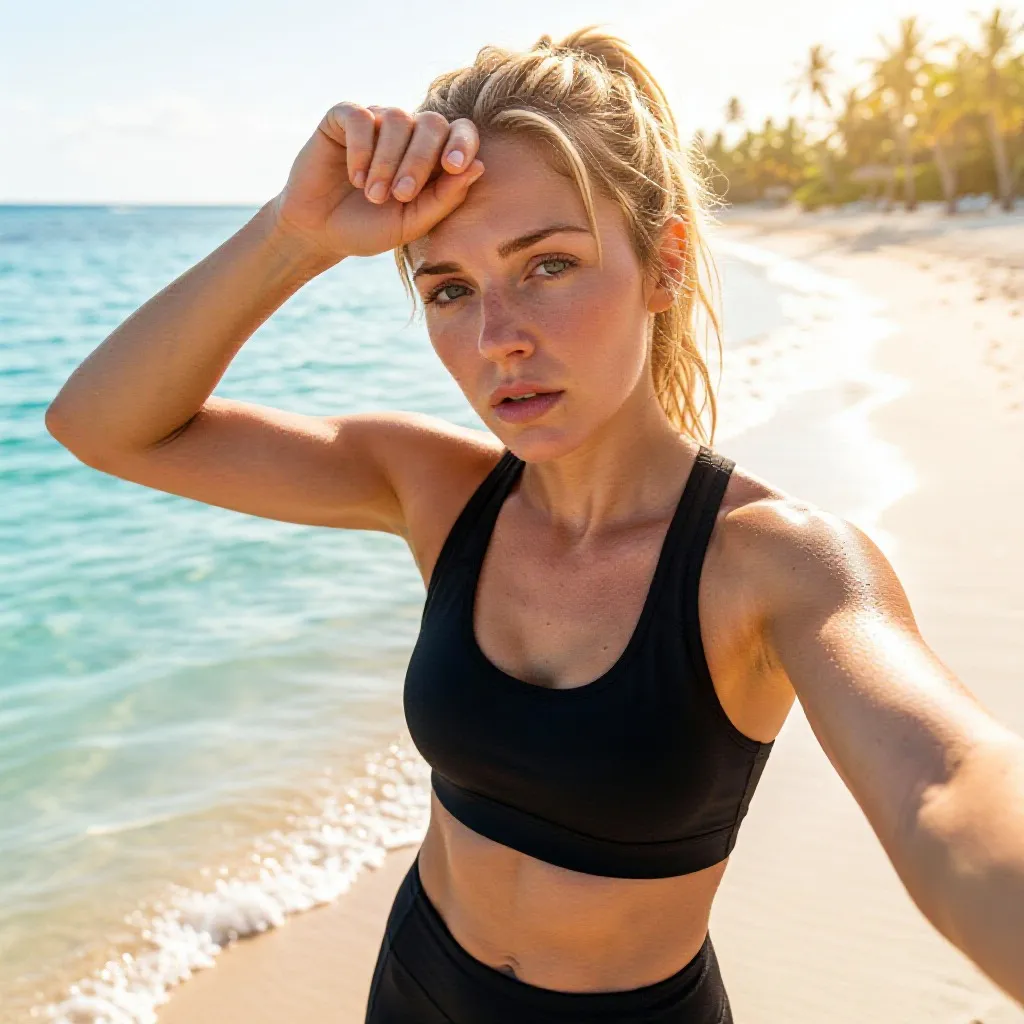
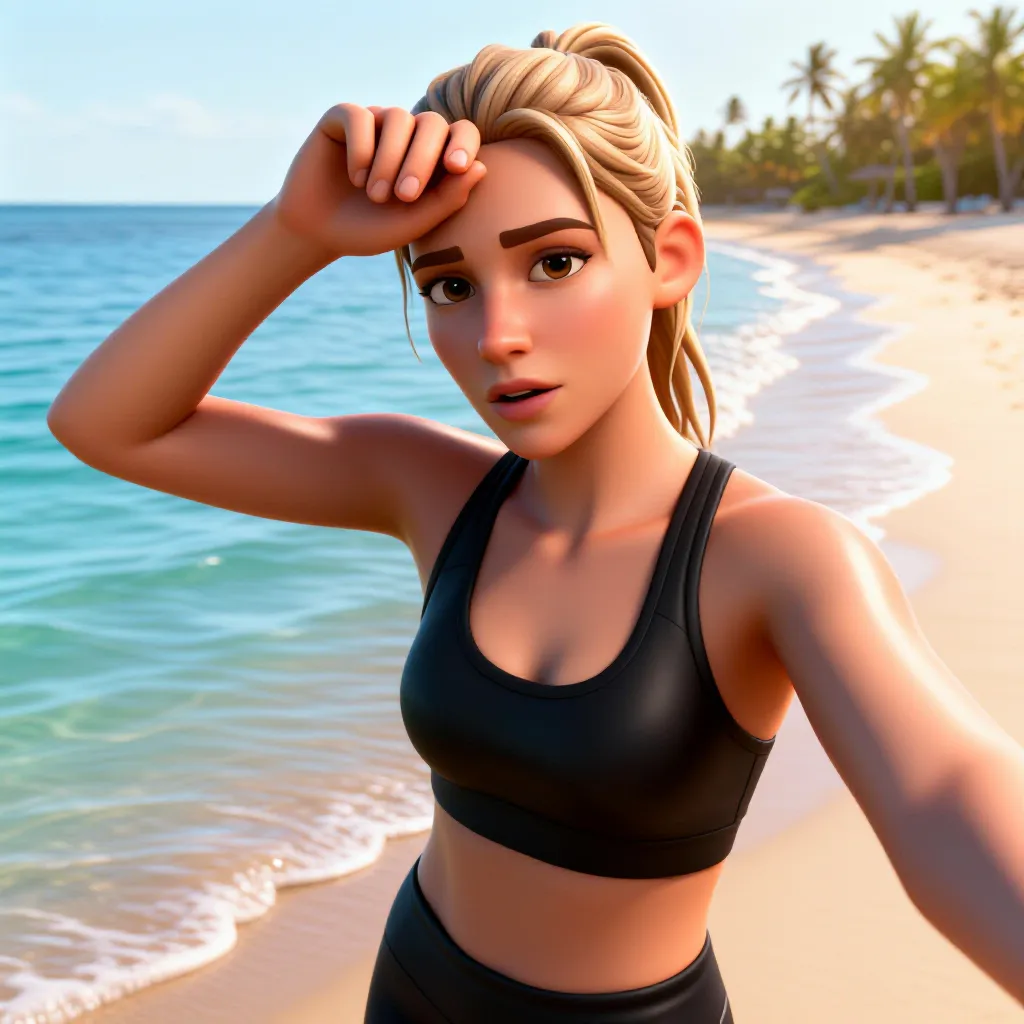
Animate photo under Video can start from one original or generated photo. The stills show the original alley selfie and the selected beach look, while the three-second clip shows that look in motion. The current flow uses the uploaded photo as a visual reference instead of forcing it to appear as the first frame.
Step 1Original photoThe runner's alley selfie.AI ModifiedStep 2Selected ActivArt lookThis image shows the selected beach style and scene used for the video.AI Generated VideoStep 3Animated in the appThe original photo reference and selected look become a three-second running clip with sound.
A sweaty post-run selfie in a back alley becomes a golden-hour beach portrait. Same runner, same pose, same effort, a photo you actually want to post.
BeforeThe photo you tookAI ModifiedAfterThe photo you share
One photo, any style
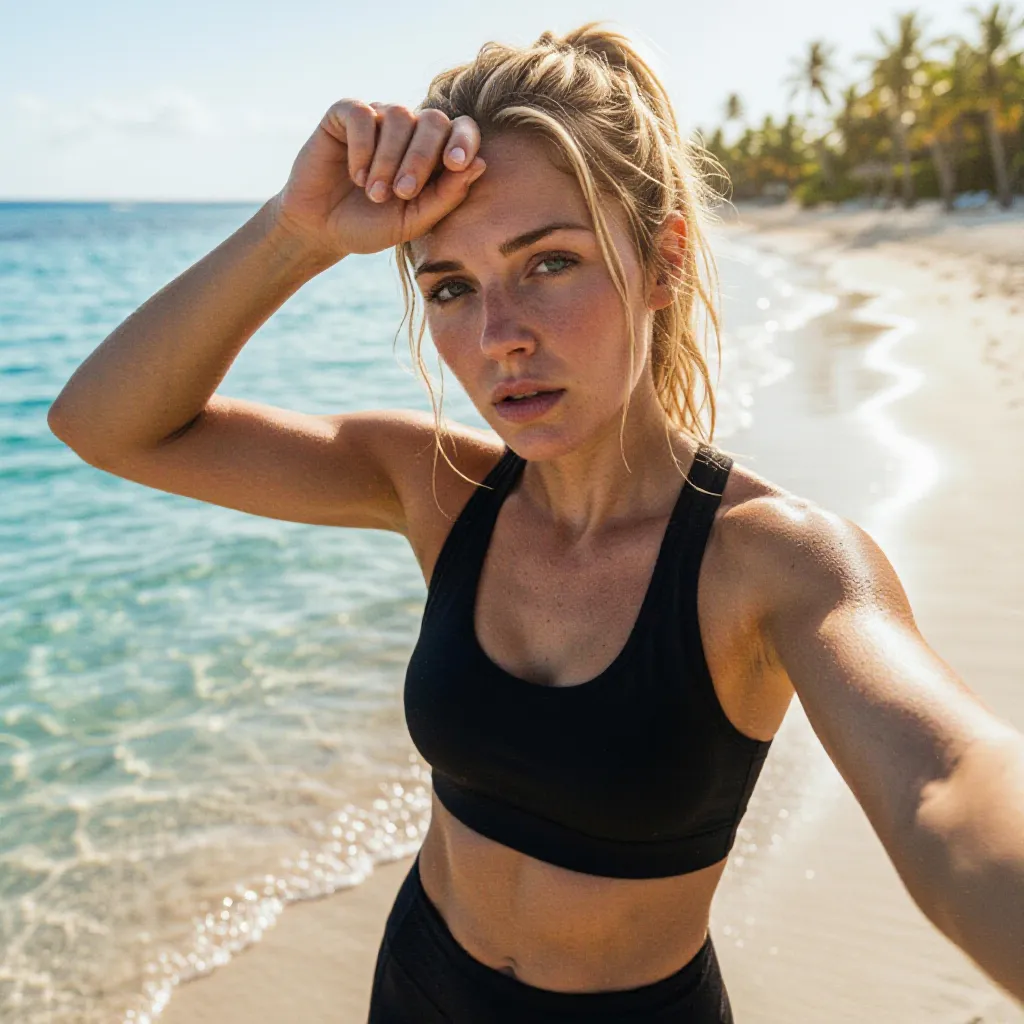
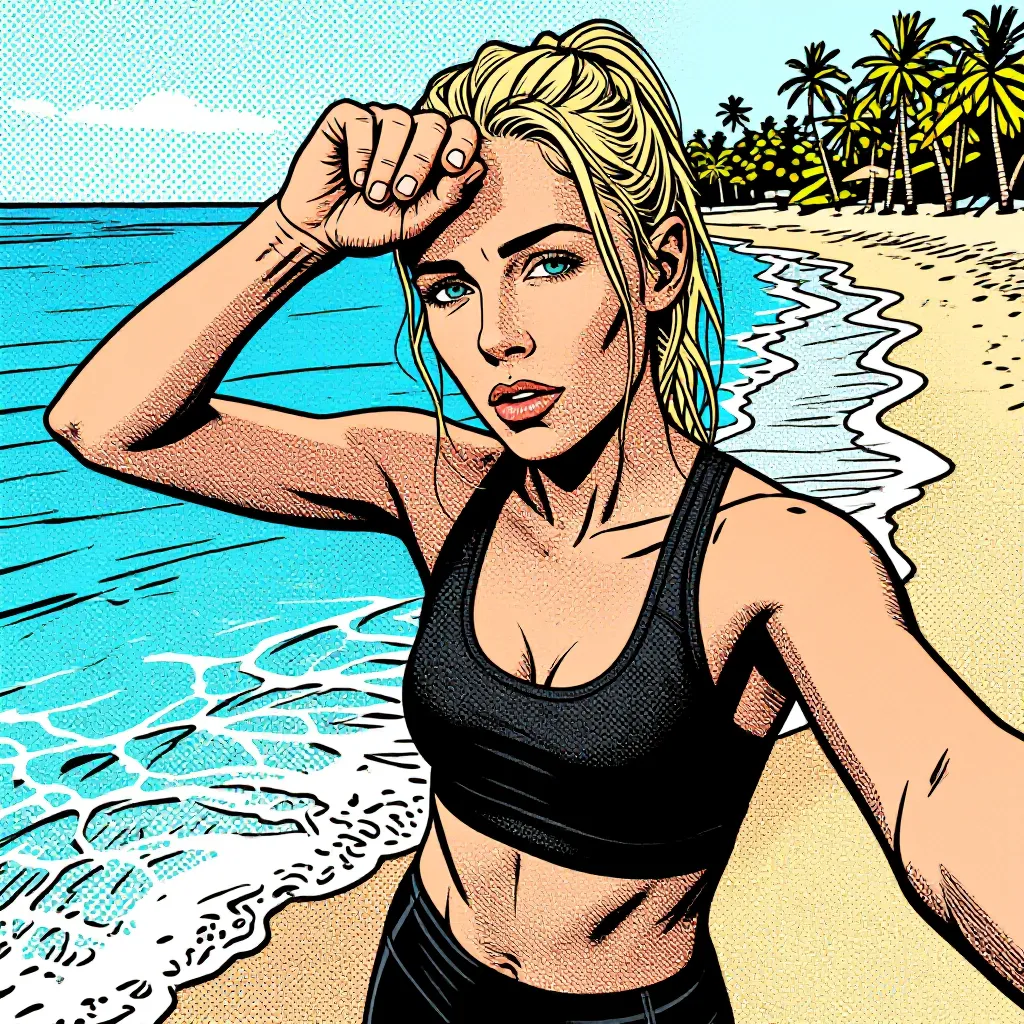
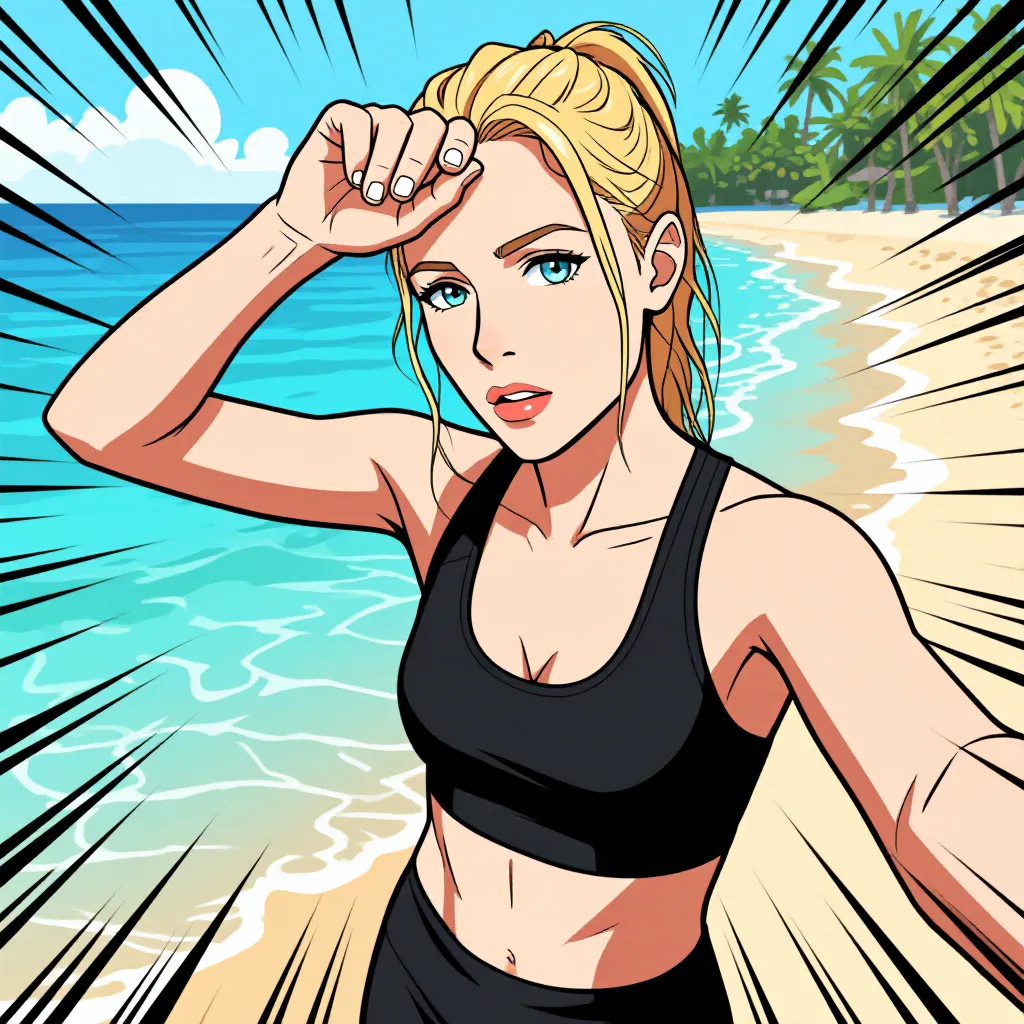
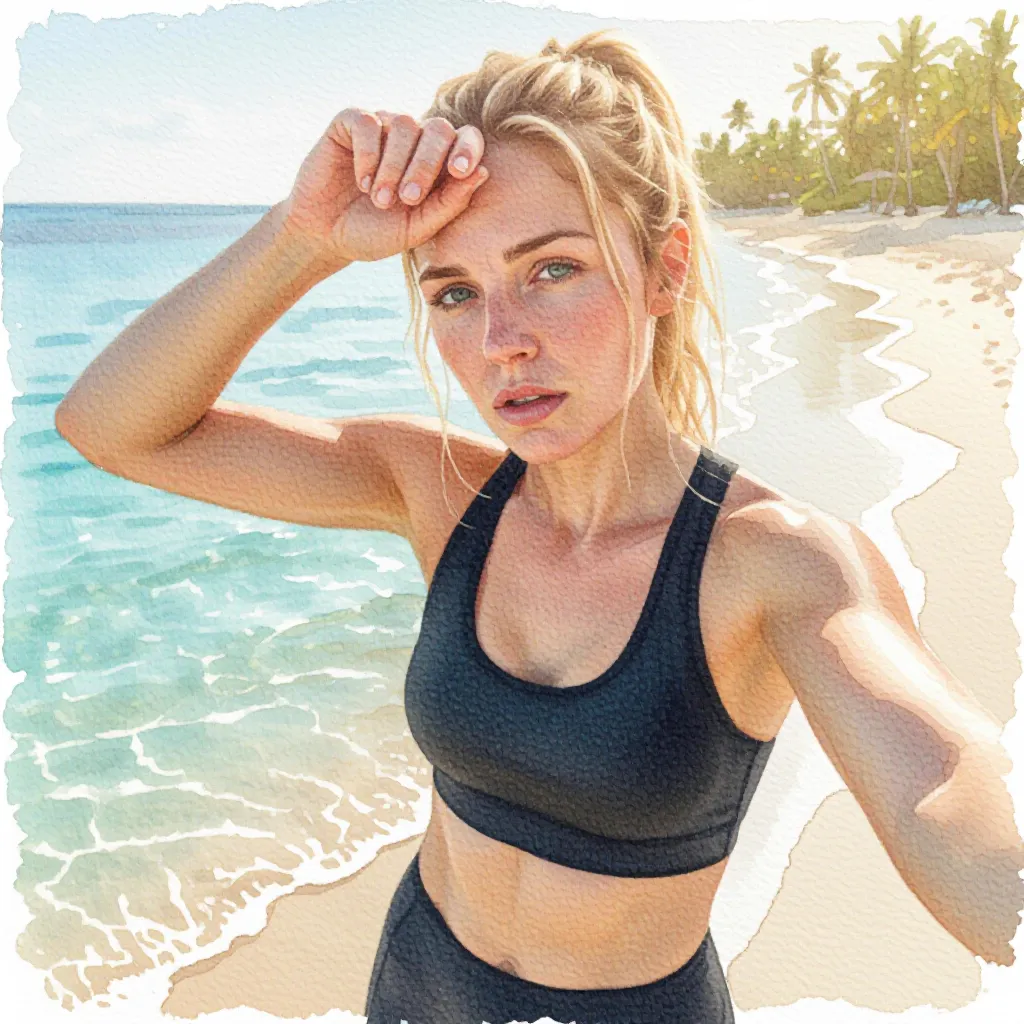
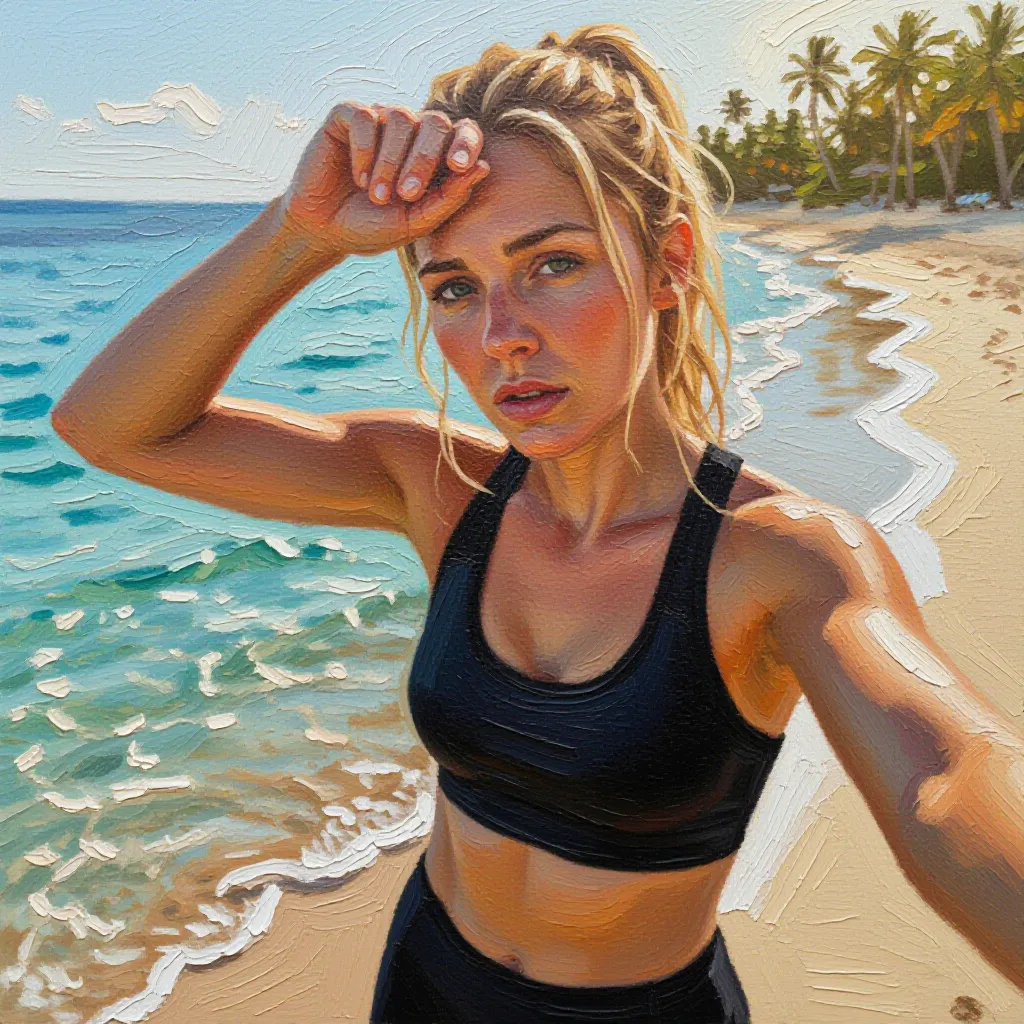
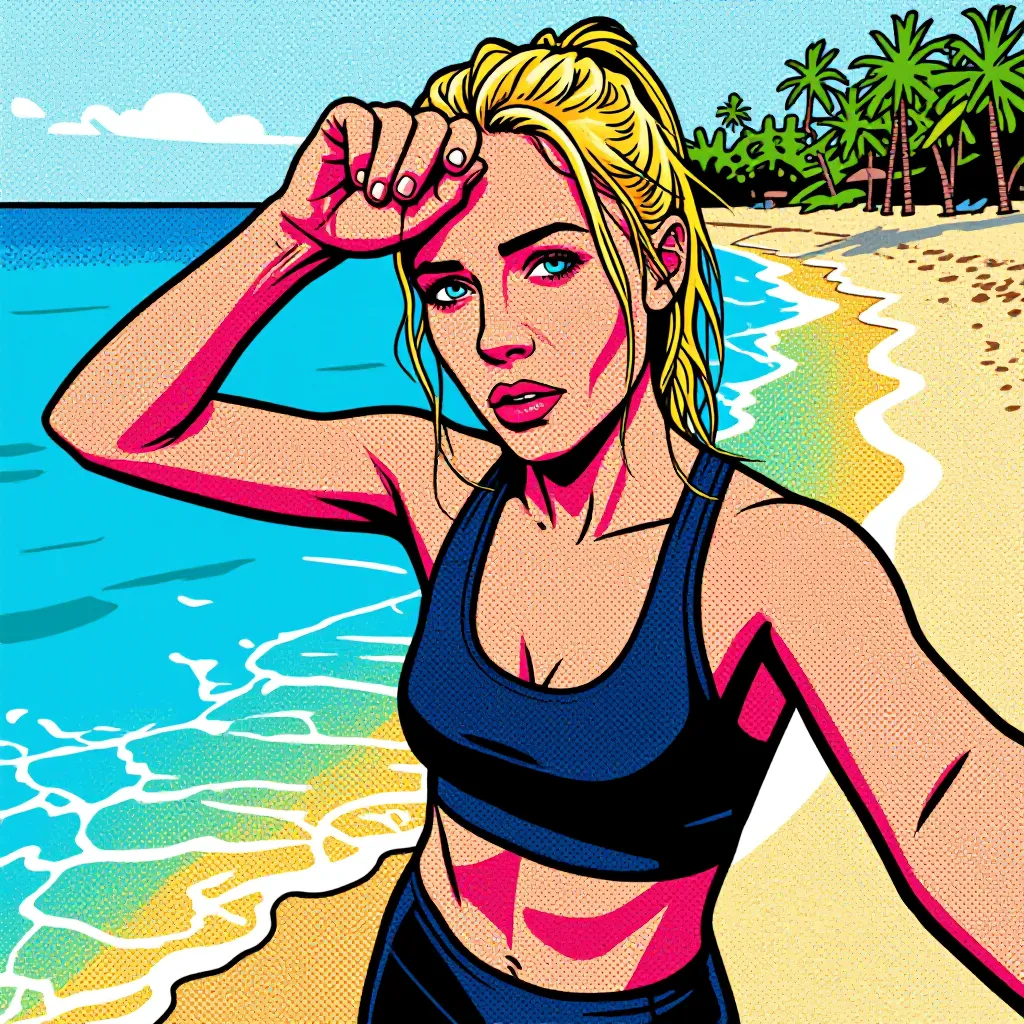
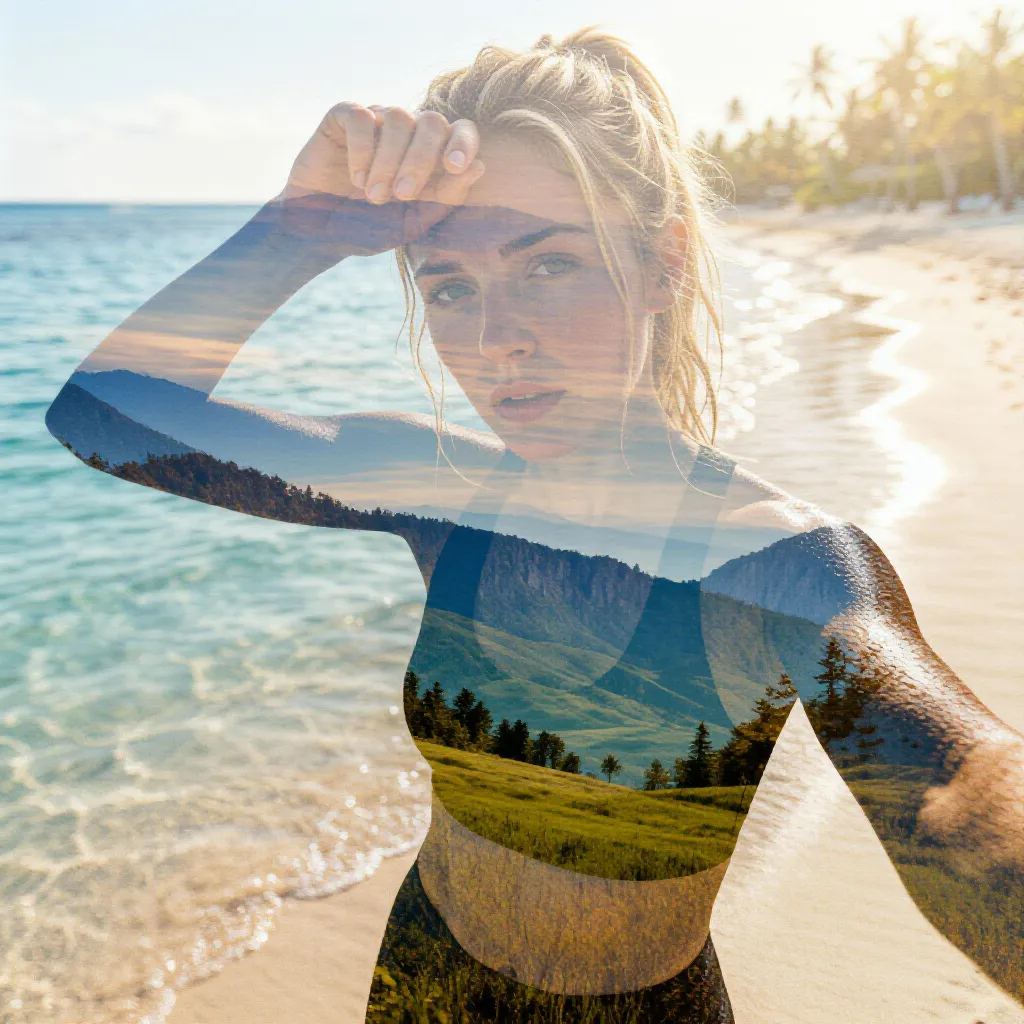
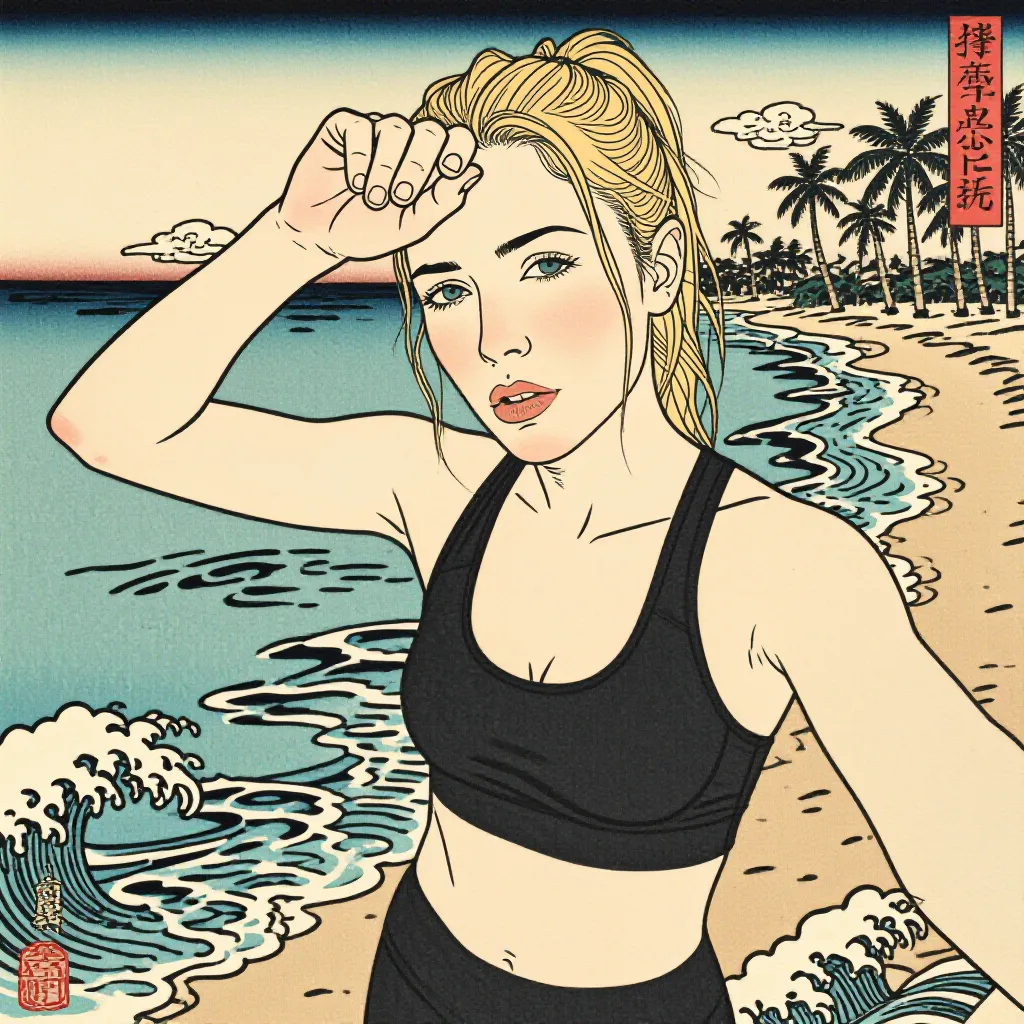
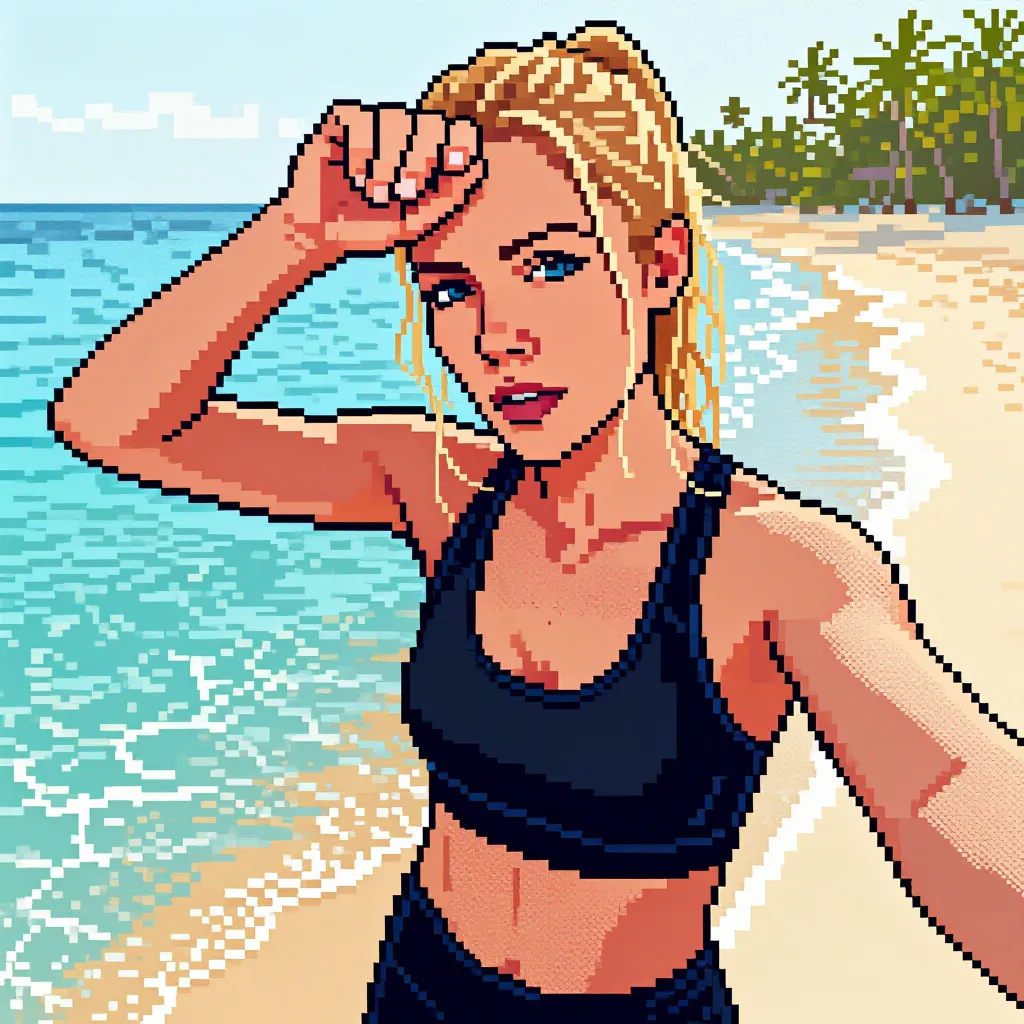
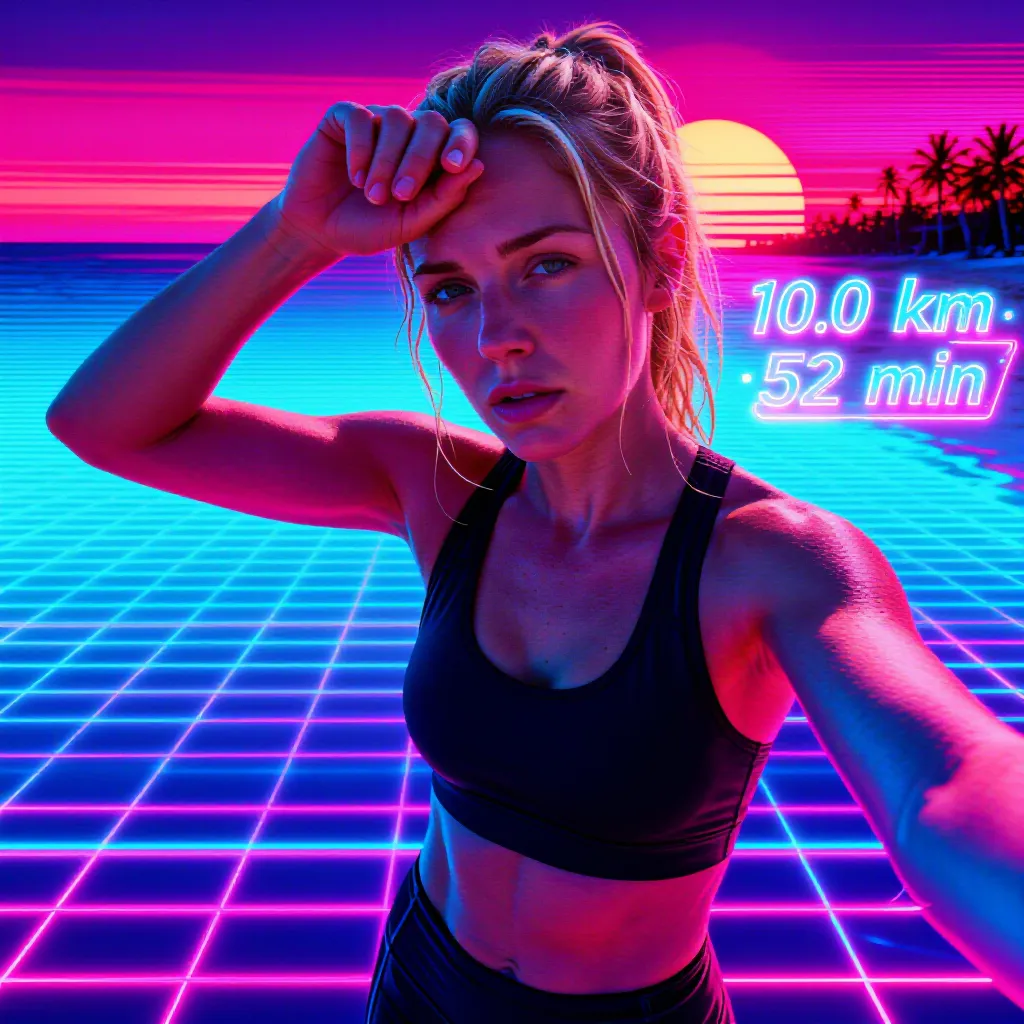
The same beach photo, restyled 13 ways. ActivArt has 47 styles across sketch, painting, comic, retro, 3D, and fine-art families. These are a few favourites.
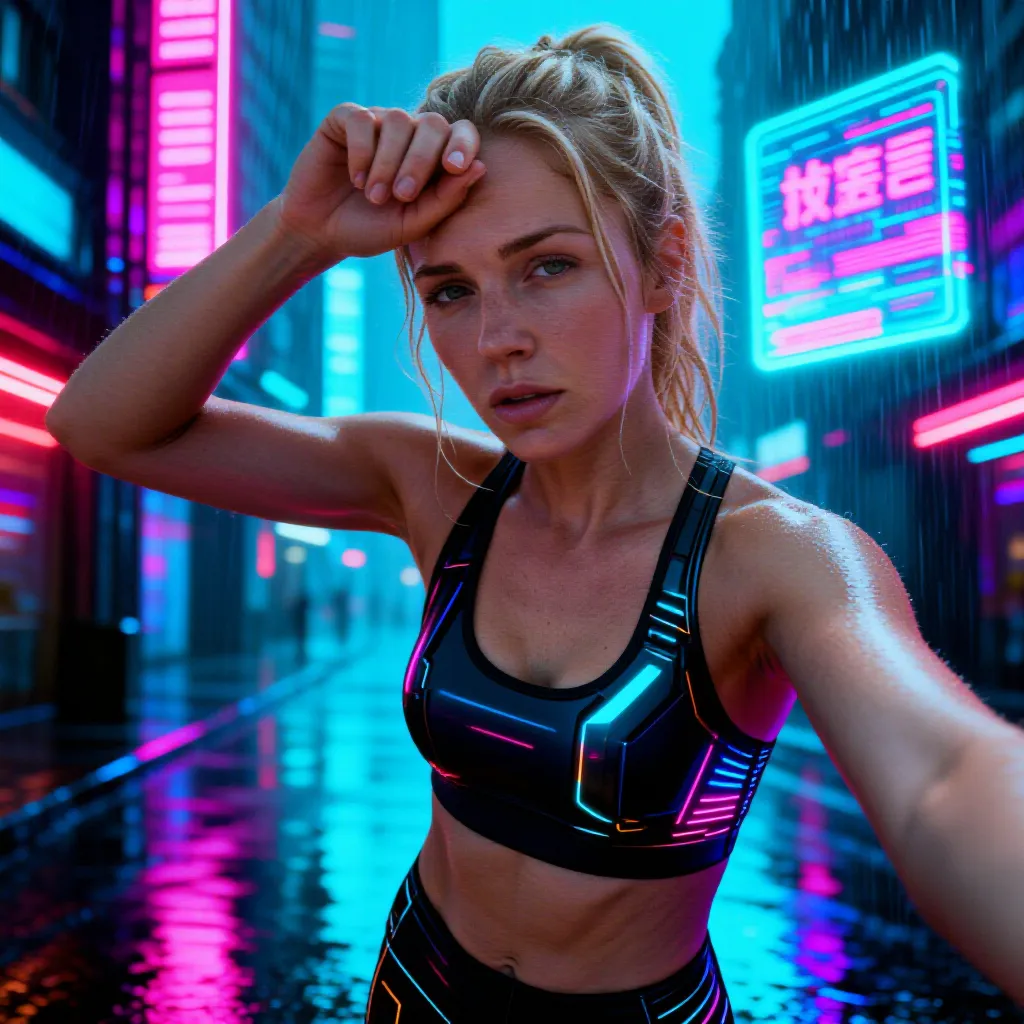
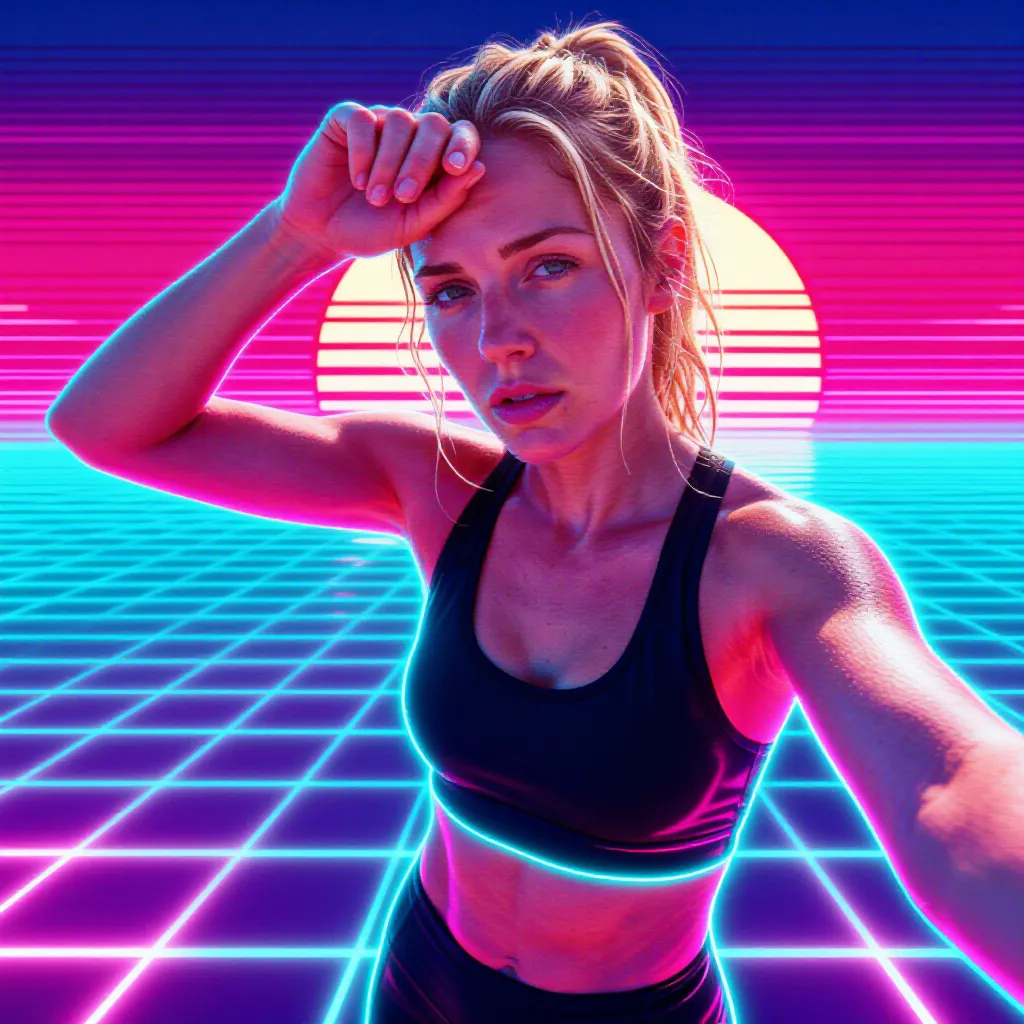
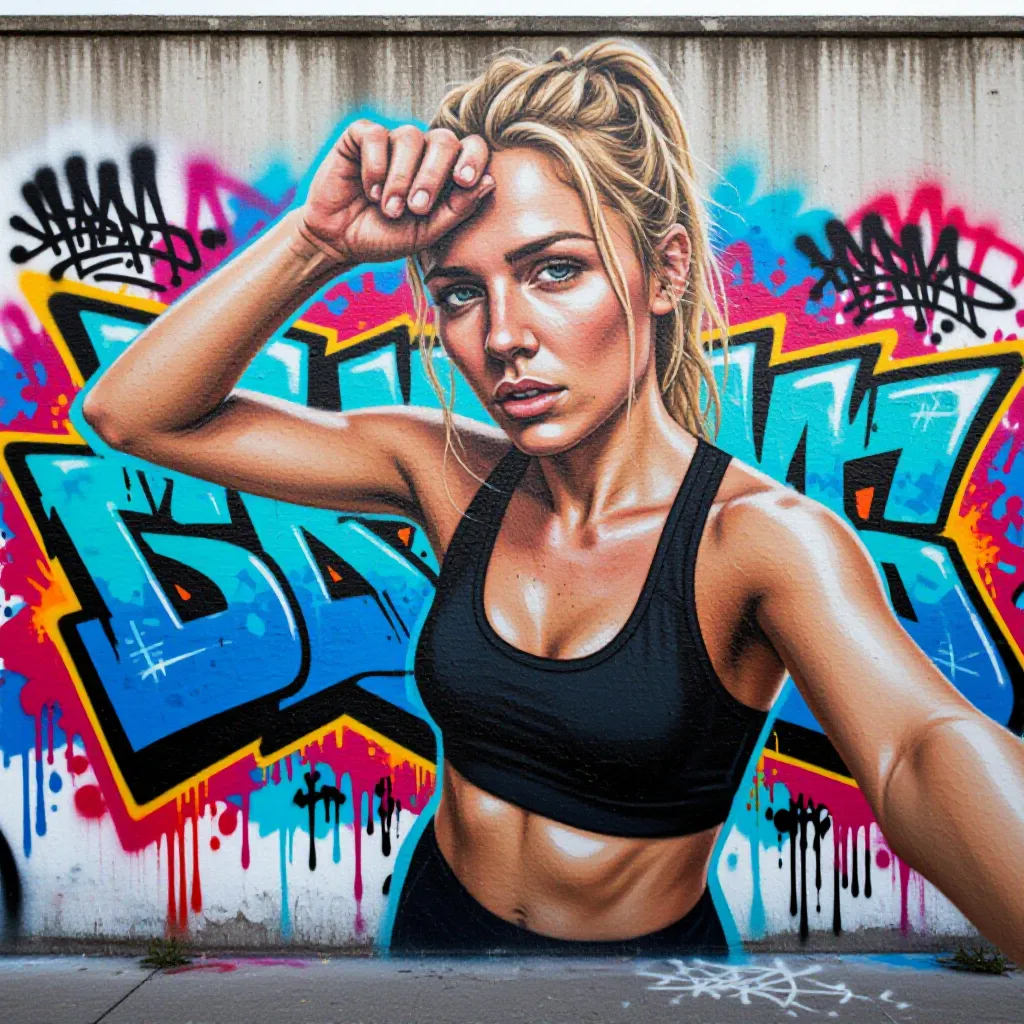
OriginalThe photo the runner actually tookAI ModifiedCinematicFilm-grade colour, same photoAI ModifiedComicBold ink linework and halftonesAI ModifiedAnimeCel-shading and vibrant flatsAI ModifiedWatercolorFlowing washes, bleeding edgesAI ModifiedOil paintingRich visible brushstrokesAI ModifiedPop artThick outlines, halftone dotsAI ModifiedCyberpunkNeon-soaked, rain-slick streetsAI ModifiedSynthwaveNeon grid and retro sunsetAI Modified3D renderPolished CGI lookAI ModifiedGraffitiSpray-paint mural energyAI ModifiedDouble exposureA landscape inside the silhouetteAI ModifiedUkiyo-eJapanese woodblock printAI ModifiedPixel artCrisp 16-bit nostalgia
Your real stats, painted into the scene
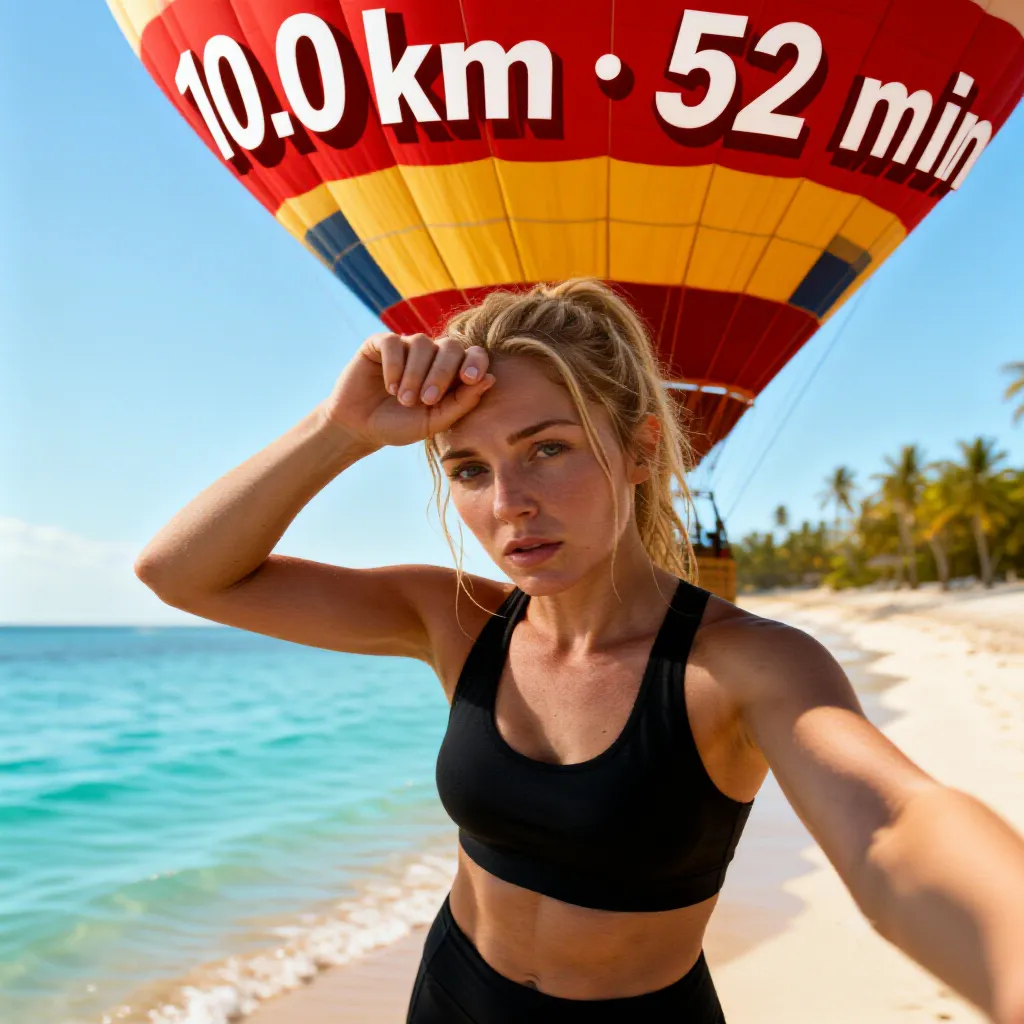
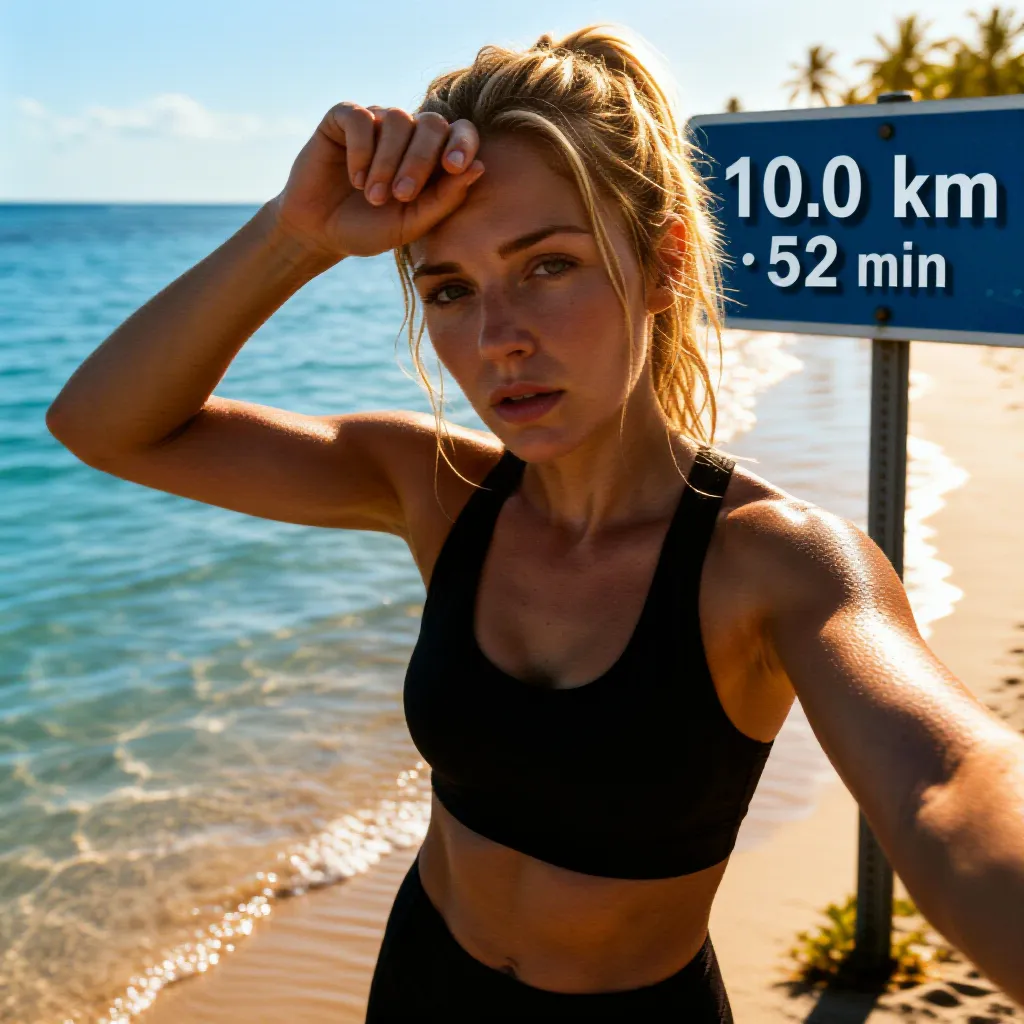
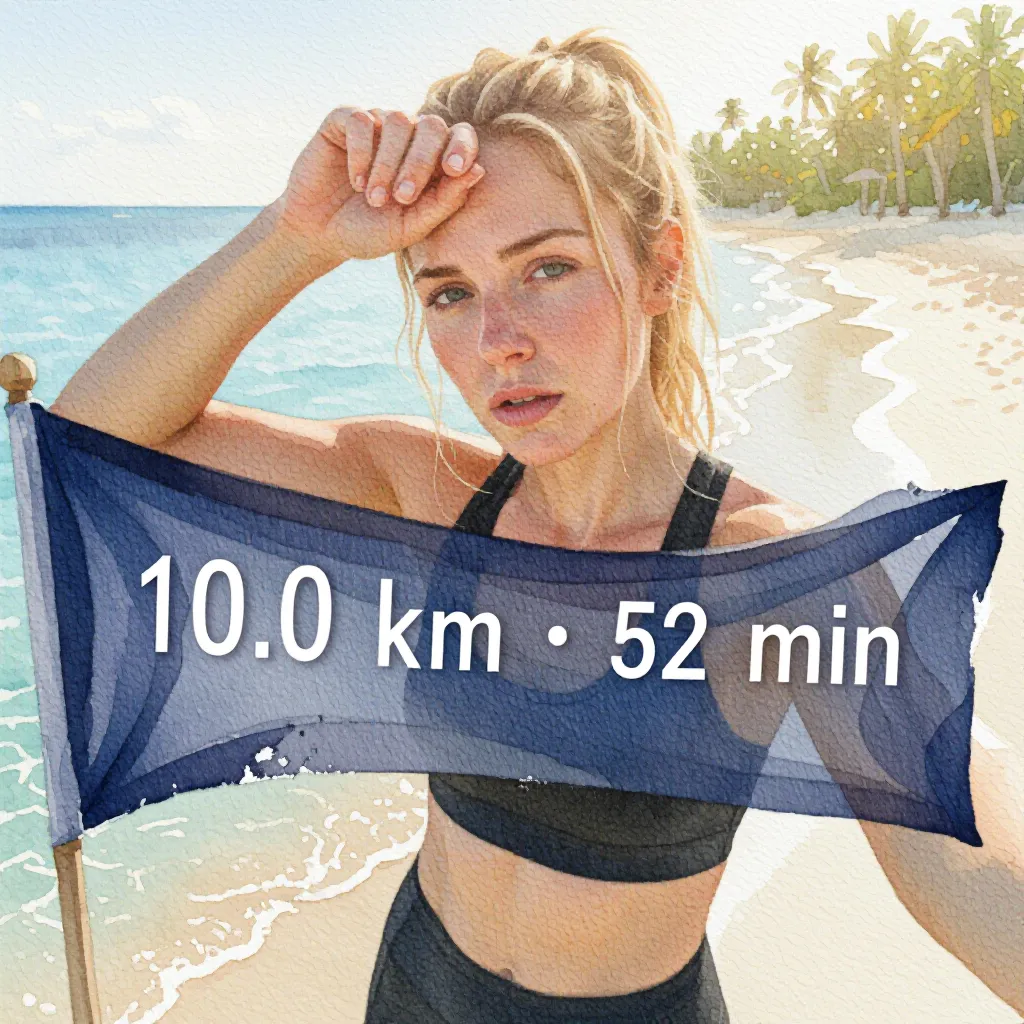
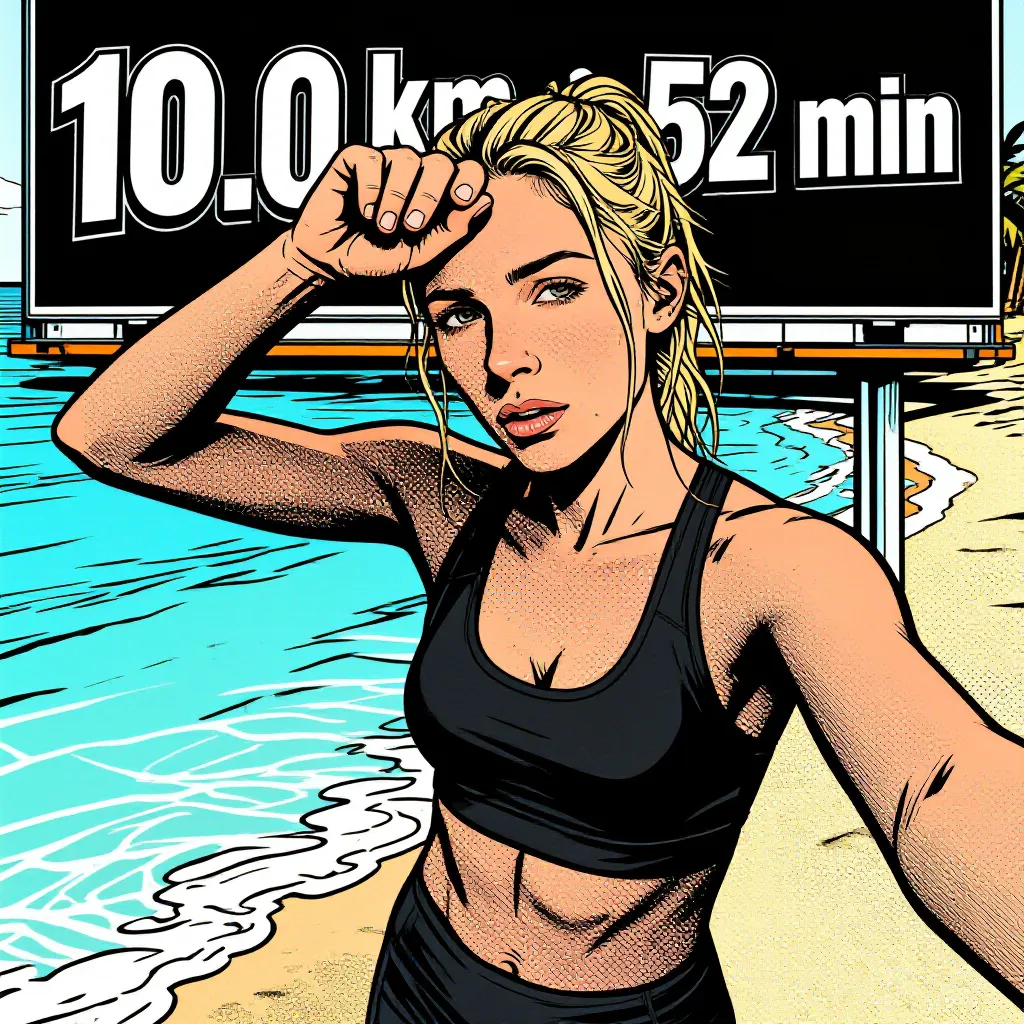
Distance, time, pace, elevation: pick up to three stats and where they appear, on a billboard, a cardboard sign, chalk on the road, or glowing in mid-air.
AI ModifiedFloating neonReal stats, 10.0 km in 52 min, glowing beside the athleteAI ModifiedHot-air balloonThe same 10K, printed across a balloon overheadAI ModifiedRoadside signStats on a signpost, like it was always thereAI ModifiedWatercolor bannerA banner with your numbers, painted in watercolorAI ModifiedComic billboardStats on a billboard, in full comic-book style
No photo? Create an image or video from your choices
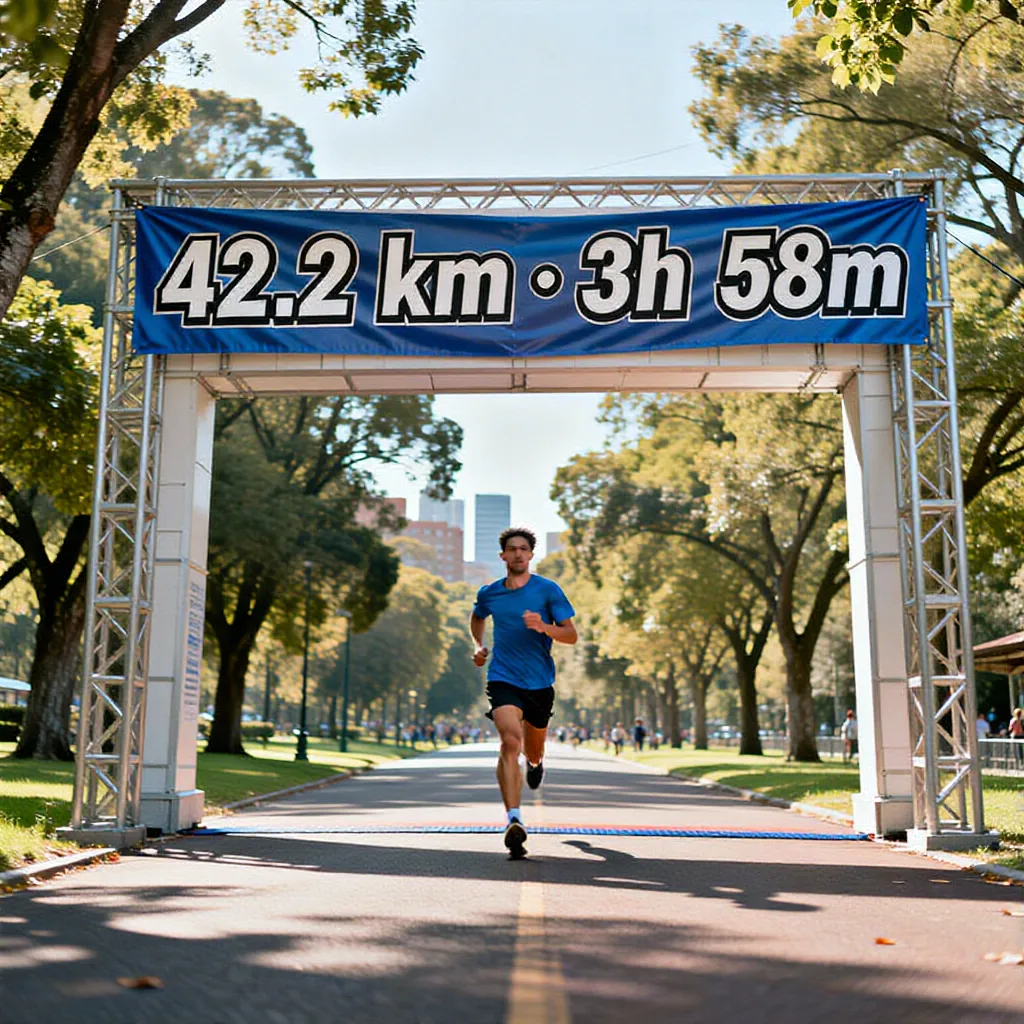
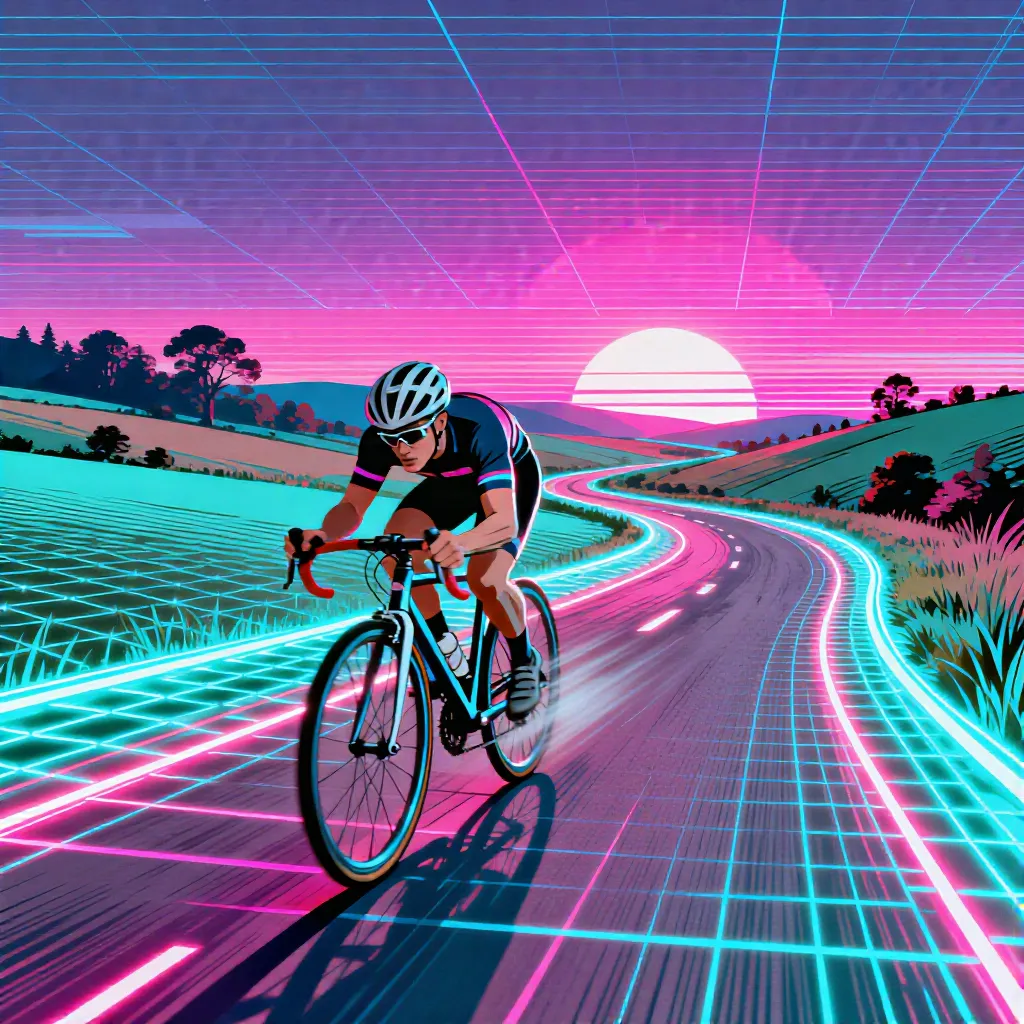
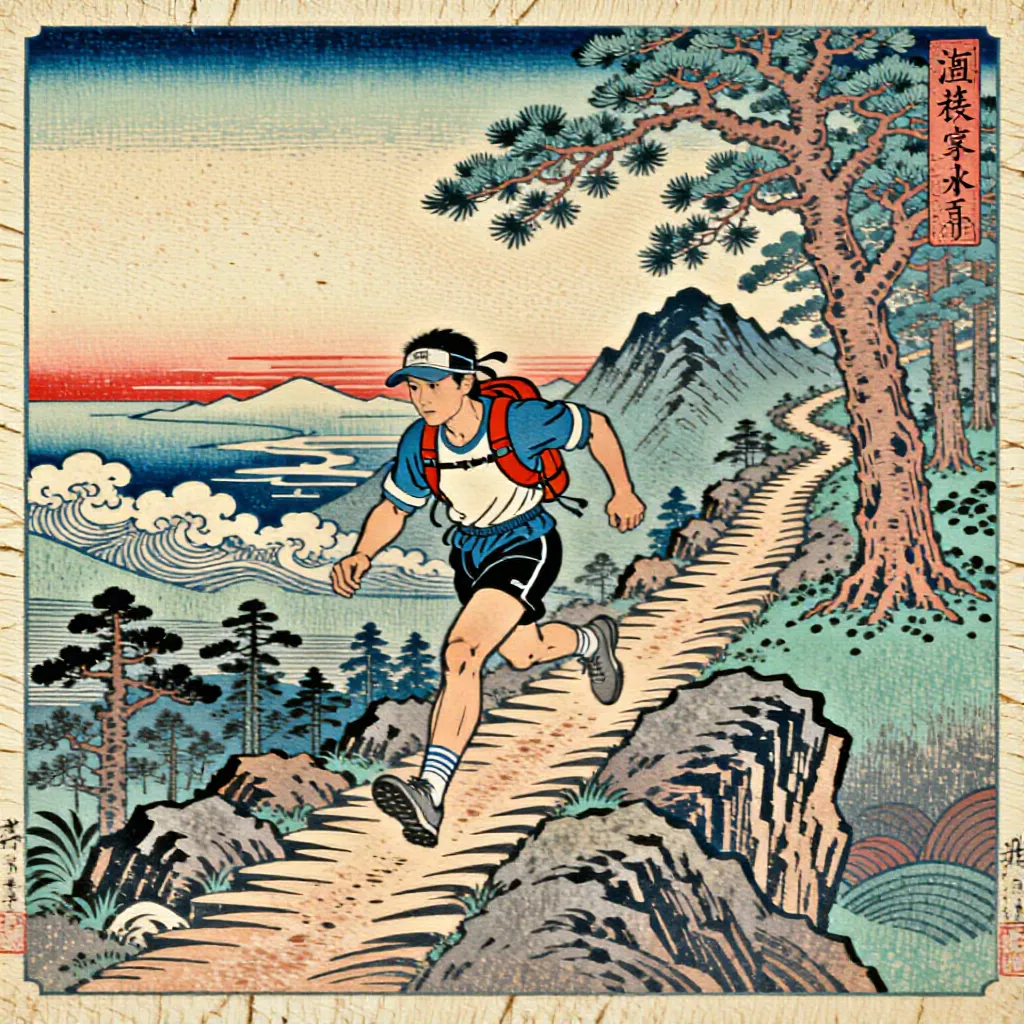
Forgot the camera, or the photos didn't do the effort justice? ActivArt generates a hero image from your activity type, visual choices, and real stats. The same visual choices can create a short activity video directly, without using an image as its first frame.
AI GeneratedMarathon finishGenerated from a 42.2 km, 3h 58m marathon. No photo neededAI GeneratedSynthwave rideA road ride shaped by the selected scene, framing, and synthwave styleAI GeneratedUkiyo-e trail runA trail run as a woodblock print, generated from scratch
Create from a blank canvas
Open the activity's Generate menu and choose Create from a blank canvas under Video. ActivArt uses your framing, athlete appearance, gear, scenery, weather, time of day, lighting, mood, style, colour palette, and custom visual note. No photo is uploaded, and the finished clip uses a portrait canvas.
Use the same stats in video
When stats are enabled, photo-free and image-based video use the selected figures, custom labels, placement, and look. The video prompt keeps the exact characters and placement stable from frame to frame.