Make your first AI workout photo free, no credit card
September 16, 2026 · 6 min read · By Joao Silva
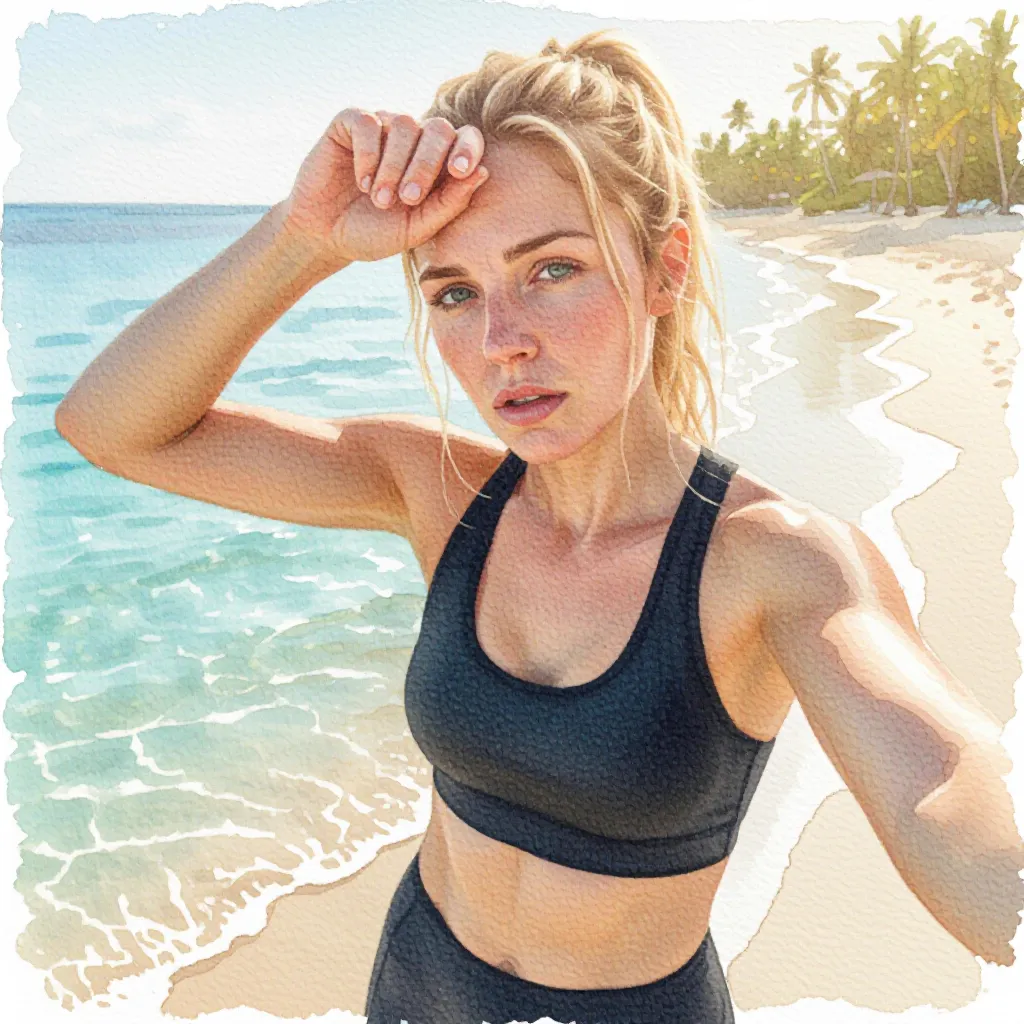
Everything below happens on the free plan. There is no card to enter, no trial that expires, and nothing to cancel later. The one thing ActivArt does ask for is a Google or Apple sign-in before your first creation, and the section on that explains why. Start to finish, a first image takes about five minutes, most of it spent choosing how you want it to look.
Step 1: install and sign in
Get ActivArt from the App Store or Google Play. You can open it and look around before anything is asked of you, and plenty of people do exactly that.
The app asks for a sign-in the first time you go to create something. Google or Apple, one tap, no password to invent and no payment details. That account is what your free allowance belongs to, which also means your saved look and your history survive a new phone.
Step 2: bring your workouts in
Connect Apple Health, Health Connect, Strava or Intervals.icu. Intervals.icu is worth the extra two minutes if your watch is a Garmin, COROS, Polar, Suunto or similar, because it feeds everything into one place.
Once a source is connected, your activities appear on their own and ActivArt matches the photos in your gallery to the session they were taken during. If the workout you want predates all of this, create it by hand or import a FIT file. Both work on the free plan.
Step 3: pick a photo, or skip the photo
Open an activity and choose one of the matched photos. A plain snapshot works better than you would expect here, because the styling is doing the heavy lifting and a busy composition gives it less to work with.
If there is no photo, generate the scene from scratch instead. The app builds it from the activity type and the visual choices you set, and the numbers from that session still go in. Indoor sessions almost always go this way.
Step 4: choose the look and generate
Set your framing, the athlete, the gear, the scenery, the weather, the light, the mood, the art style and the palette. You do this once, not every time. There is no prompt to write on any plan.
Decide whether your stats appear in the scene, and where. Drawn in sand, glowing beside you, printed on a banner: the point is that they are rendered with the image rather than pasted on top, so the lighting matches.
Then generate. It takes under a minute for an image. The result saves to your gallery and the share sheet opens with a caption already written.
What the free plan actually covers
Numbers are set on the server and change without an app update, so the table below describes the shape of the free plan rather than printing figures that would go stale. The Membership screen in the app always shows your own current allowance and the time it refills.
| Thing | On the free plan |
|---|---|
| Credit card | Never requested |
| Sign-in | Google or Apple, once, before the first creation |
| AI images, with or without a photo | Limited allowance that refills automatically |
| AI video | Limited allowance that refills automatically |
| Route and elevation videos | Limited, rendered on your device, separate allowance |
| Art styles and stats placements | All of them |
| Activity sources | All of them |
| ActivArt mark on the result | Always on, removable with Premium |
When you run out
The allowance is a rolling window, so it refills gradually rather than all at once on a fixed date. Reaching the limit costs you nothing you already made, and the app shows the moment your next creation unlocks.
You can turn on a notification for that moment, which is the sane option if you are not in a hurry. Premium is the other one, and the only reason to take it is volume or the extras, not access.
The honest limitations
Free results carry the ActivArt mark and a prepared share caption. Premium turns both off, and nothing else about the image differs between the plans.
Generation runs on our servers, so an image needs a connection. Route and elevation videos render on the phone and work offline once the activity has synced.
This is not a general image generator. There is no free-text box for describing an arbitrary scene, because every image is anchored to a workout you actually did. That constraint is the whole point of the app, and it is worth knowing before you install rather than after.
Make your first one free
Home · Examples · Art Styles · AI Video · Free Plan · About · Blog · FAQ · Support · AI Transparency · Terms of Service · Privacy Policy

© 2026 ActivArt