How to make a free AI video of your run
September 16, 2026 · 6 min read · By Joao Silva
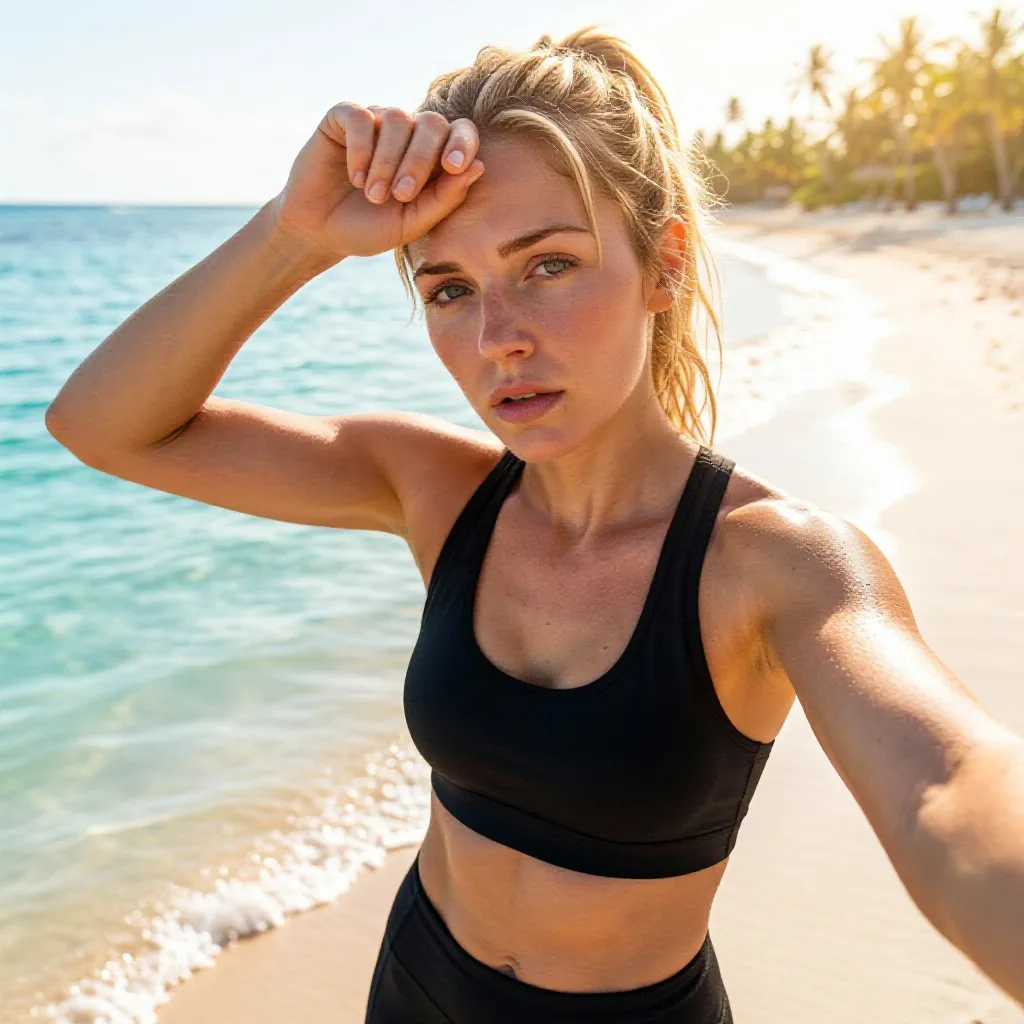
A video of a run used to mean an editor and a subscription. ActivArt makes one from the run itself, and the free plan covers it: no card, no payment details, one Google or Apple sign-in before your first creation. The hardest part is deciding which of the three video types fits the run you just did.
Decide what the video is about
If the run looked like something, use a photo. Transform with AI under AI Video takes one of your images as a visual reference and applies your style, effects and stats to the clip while keeping the orientation of the source.
If nobody took a photo, which is most runs, create from a blank canvas instead. The clip is built from the activity and the visual choices you saved, with no image sent anywhere.
If the route is the story, a long point-to-point or a loop with a shape worth seeing, make a GPS route video. That one is drawn from the measured track by your own phone, and it has its own separate free allowance.
| Video | Pick it when | Where it renders |
|---|---|---|
| AI video from a blank canvas | You have no photo from the run | On our servers, from your free AI video allowance |
| AI video from your photo | You have one shot worth building on | On our servers, from your free AI video allowance |
| Route or elevation video | The track or the climb is the point | On your phone, from a separate free allowance |
Making it
Open the run, go to AI Video, and choose the path. There is no video prompt to write. Your framing, appearance, gear, scenery, weather, light, mood, style and palette carry over from the choices you already set, which is why the second clip takes a fraction of the time the first one did.
Turn stats on if you want the distance, the pace or the climb inside the clip. The generation keeps your selected figures, labels and placement stable through the take rather than letting characters drift, which is the usual failure mode for numbers in AI video.
Then leave. AI video takes longer than an image, and the job keeps running when you navigate away or close the app. A notification tells you when the clip is ready to preview, save and share.
What free gets you
AI video is included in the free plan with an allowance that refills on a rolling window, and route and elevation videos draw on a different one. That separation matters in practice: a week of route videos leaves your AI video allowance alone.
Free clips carry the ActivArt mark and arrive with a share caption written for you. Premium removes both, enlarges the allowances, makes route and elevation videos unlimited and adds the 3D map video. Length and quality are the same on either plan.
One distinction worth keeping straight: the free plan and a Premium free trial are separate things. The free plan asks for no payment method at any point. A store-billed trial needs one, like any App Store or Google Play subscription.
Posting it
A clip made without a photo comes out vertical and needs no recropping for Reels, Stories or TikTok. One made from a photo follows that photo, so a landscape shot gives you a landscape clip.
Generated video carries signed machine-readable provenance marking it as AI. The marker holds no account details, no stats and no location. Leave it intact where the platform allows, and say the footage is AI when it looks real.
A routine that survives past the first week
Pick one format as your recurring post and vary the other. A route video every long run and an AI clip when a run gave you something to look at is a rhythm that fits inside a free allowance without any planning.
Big days support two posts, a day apart. Stacking both the same evening spends your allowance and your audience at once.
Make a free video of your last run
Home · Examples · Art Styles · AI Video · Free Plan · About · Blog · FAQ · Support · AI Transparency · Terms of Service · Privacy Policy

© 2026 ActivArt